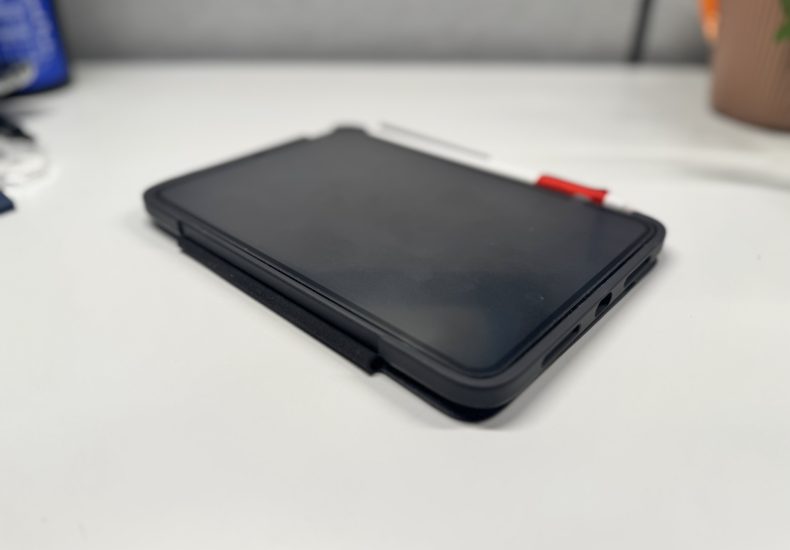
iPad Mini for Note-Taking?
Is the iPad Mini the best solution on the market for note-taking? Here’s the history of my journey to using the iPad and my final verdict after about a year of use.
Digital Note-Taking
For many years in my career and my personal life I have been searching for a note-taking solution that works for me. For the first several years I tried to use Microsoft OneNote – which was an OK solution but it didn’t work as seamlessly as I wanted it to between my computer and phone. Along with that, the company I was working for at the time was majorly against using anything cloud-based [I still don’t understand why]. In my personal life I’ve used Apple Notes for years but with no rhyme or reason.
Paper Journal
Later, I got obsessed with Fountain Pens so I switched to hand written notes in a typical A5 Journal. I tried Moleskine (too expensive), LEUCHTTURM1917 (too expensive and paper WAY too thin), Rhodia (my favorite overall, but way too pricey!), and finally landed on Paperage (great price, great quality!). I used Paperage for several years and really enjoyed using them – however there was only one problem. If I needed to go back and find anything in these journals (of which I have about a dozen) it would take me forever to find what I’m actually looking for.
I tried using Ryder Carrol’s – The Bullet Journal Method, but I could never get in the habit of properly indexing my pages. I did use the system to make sure to move tasks from day to day, but I didn’t properly employ the ‘long term storage’ or the indexing, so I knew this wasn’t the solution for me.
iPad Mini
Pros
Portability
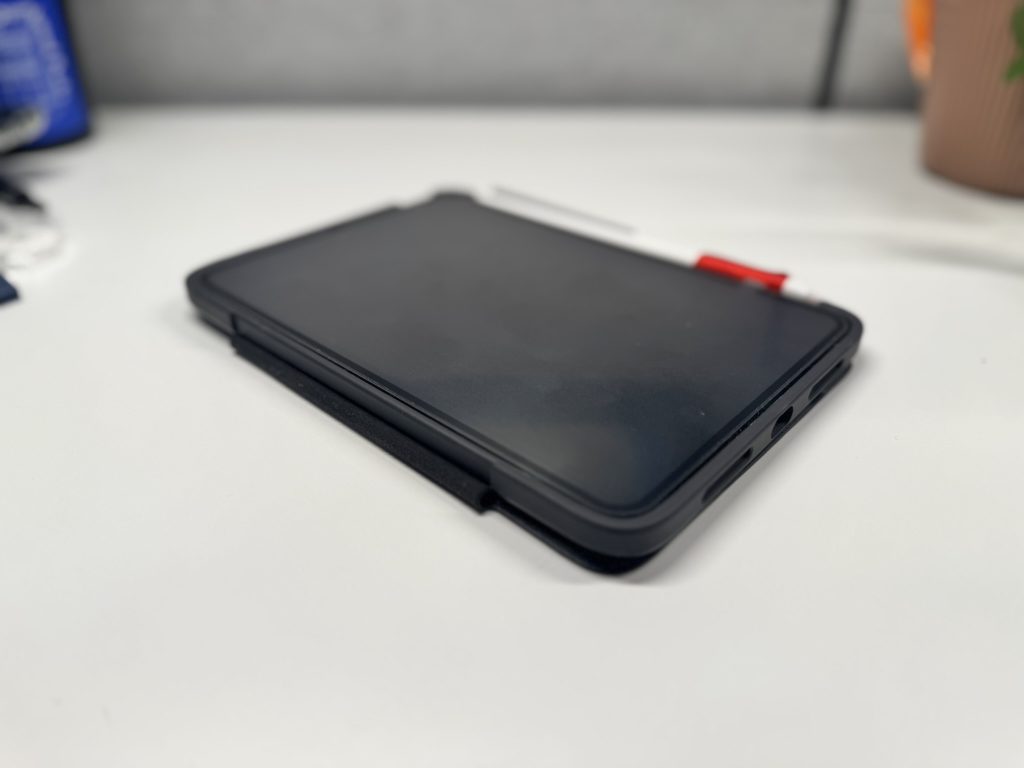
The iPad Mini is very portable! Coming in at 195x134x6mm (8x5x0.25in) and only 293g (0.65lb) it is the ideal size and weight for tossing in my backpack every day and carrying to and from meetings. For mine, I bought this Otterbox Symmetry 360 Elite case that has a slide out pencil protector – It’s been a fantastic case and the slide out pencil protector keeps the pencil from getting accidentally knocked off while I’m carrying it or transferring it around.
Cost
As far as Apple products go, and tablets in general, the iPad Mini is very competitively priced. As of this posting it is 20% off on Amazon for only $399. This is an exceptional deal for what you get in this tiny package!
Versaitiliy
The main pro in my opinion is the versatility of the iPad Mini – Whether it’s note-taking, bingeing your favorite Netflix show, or drawing on the Procreate app – this thing is a POWERHOUSE in a small package.
Cons
While there are many pros, unfortunately as with all devices, there are some drawbacks as well.
Battery Life
By far the biggest fail for me is the battery life. The iPad Mini does have a pretty decent battery life when it comes to full feature tablets, but for note-taking which is MY Primary use-case, it becomes problematic. I feel like every time I pick it up it’s 30% battery or less. I end up charging it a few times a week which is pretty good for a full feature tablet, but not ideal when you’re trying to take notes and can’t because your device isn’t ready.
Distractions
While there are ways to REDUCE distractions – by changing your homepage, setting up do not disturb or personalized notification settings, even changing the color filter to greyscale – it’s still a versatility master, which comes with distractions. For someone like me who suffers from ADHD and has a hard time focusing anyway – this becomes even more of a problem. Even while taking notes I often find myself getting caught up with using different colors, line weights, etc. and become paralyzed by choices.
Apple Pencil
One of the other big drawbacks for me is the Apple Pencil Pro. While I love the Apple Pencil and it’s functionality in Procreate – I am not a fan of WRITING with it. It’s too small to hold for long periods of time in a writing posture, and the tip is inconveniently large. There are workarounds to this – for example I bought the Astropad Rock Paper Pencil screen protector which definitely makes it a much more enjoyable writing feel, but the pencil is still too small and smooth to hold! I ended up 3D Printing my own pencil grips from MakerWorld out of TPU and that helped, but still not what I’m looking for.
The other big Con with the Apple Pencil is the iPad Mini (A17) can’t use the old Apple Pencil 2nd Gen that I had from my iPad Pro so I had to UPGRADE and buy the Apple Pencil Pro (which was $129 when I purchased). This is some of the frustrating stuff that Apple tends to do with their products, and one of the reasons I’m looking for another solution.
Software
The last con I want to mention is the note-taking software. I have tried several different apps. Including Notability, Goodnotes, Apple Notes, and Noteful, Notes+, Notion, OneNote, and Obsidian. As you can see there are a LOT of options out there, so we’re back to the decision paralysis. Also – each of these (minus Apple Notes) are advertised as free, but require paid subscriptions to unlock FULL usability. I just want something that WORKS. Something I can use to take notes and keep forever.
Conclusion
So in conclusion – I don’t LOVE the iPad Mini for note-taking, but I also don’t HATE it. It’s OK, it gets the job done, but there are some things I’m not thrilled about.
I know there are options out there like Remarkable, Supernote, and Kindle Scribe – and I’m looking into those options now. I have been doing research for MONTHS and I think my next purchase will be a Supernote Manta. I like the functionality of the Supernote software, and I like that the files aren’t proprietary like they are with Remarkable.
I still have some research to do, but if I get a new device I’ll be sure to come back and give my honest opinion on that as well!
Leave a Reply